
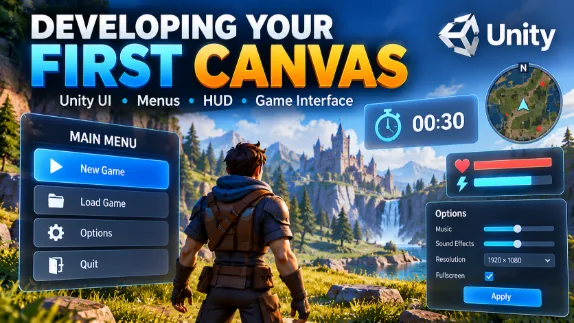
Learn how to build game user interfaces using Unity's Canvas system. Create countdown timers, menus, heads-up displays (HUDs), options screens, menu transitions, and animated UI elements through practical examples.
- 🔗 Sharing:

Developing your First Canvas
- 💰 Course Price: Free
- 👨🏫 Course instructor name: Keith O’Malley
- 🌐 Language: English
- 💬 Subtitle: Persian / English
- ⏱ Course Duration: 01:08:00
- 🎬 Number of Videos: 12 Video(s)
- 📚 Status: Completed
- 🎓 Course Level: Intermediate
- 🗓️ Year of release: 2018
- 📅 Last Updated Date: Monday, October 19, 2026
- 📂 Category: Unity
📘 Course Information
This course introduces the fundamentals of building game user interfaces using Unity's Canvas system. You will learn how to work with basic UI components and combine them to create practical interfaces for interactive games.
Throughout the course, you will build a countdown timer, a basic menu, a heads-up display (HUD), a main menu, a new game screen, a load menu, and an options menu. You will also explore menu navigation, UI raycasting, navigation controls, main menu animation, and screen transitions.
By following these practical examples, you will develop the skills needed to create more organized, interactive, and engaging user interfaces in Unity. This course is suitable for learners who already have some experience with Unity and want to improve their game UI development skills.
- 🗨️ No reviews have been submitted for this course yet. Be the first!!